
Tools and ways of working
Dictating and summarising
Talking is faster than typing. With voice and AI, you turn ideas, reports and notes into usable text, even on the move.
5 min read
Most people talk much faster than they type. With voice features and AI, you can turn speech into tidy notes, reports or emails. Handy for people who are often on the road or prefer talking to writing.
Where it works well
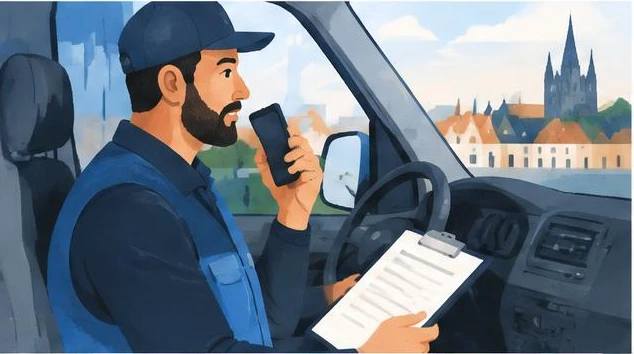
- After a customer visit: record your impressions in the car and have them turned into a follow-up email. Only when it's safe, hands-free.
- Work instructions: explain out loud how you do something and have it turned into steps.
- Ideas: record an idea while walking and have it organised.
- Reports: after a site visit or inspection, dictate your findings.
How to go about it
- Use the voice feature in your AI app or your phone's dictation.
- Talk freely, without worrying too much about form.
- Ask the AI to organise the text into the format you need: report, email, list.
- Read it through and correct it.
Watch out for
- Names and technical terms are often misheard. Check them.
- Conversations with others: only record them with their consent.
- Confidential information only in a business account.
- Road safety comes first.
Exercise
Your answers stay only in this browser.
Prompt to copy
Below is a dictated text, with spoken language and repetition. Turn it into [a short report / an email to the customer / a list of actions]. Keep all the facts, remove repetition and mark names or terms that may have been misheard with [?].

[paste the transcript]